
In today’s fast-paced digital world, businesses are constantly looking for ways to improve communication with their customers. One of the most effective ways to do this is through a WhatsApp automation tool.
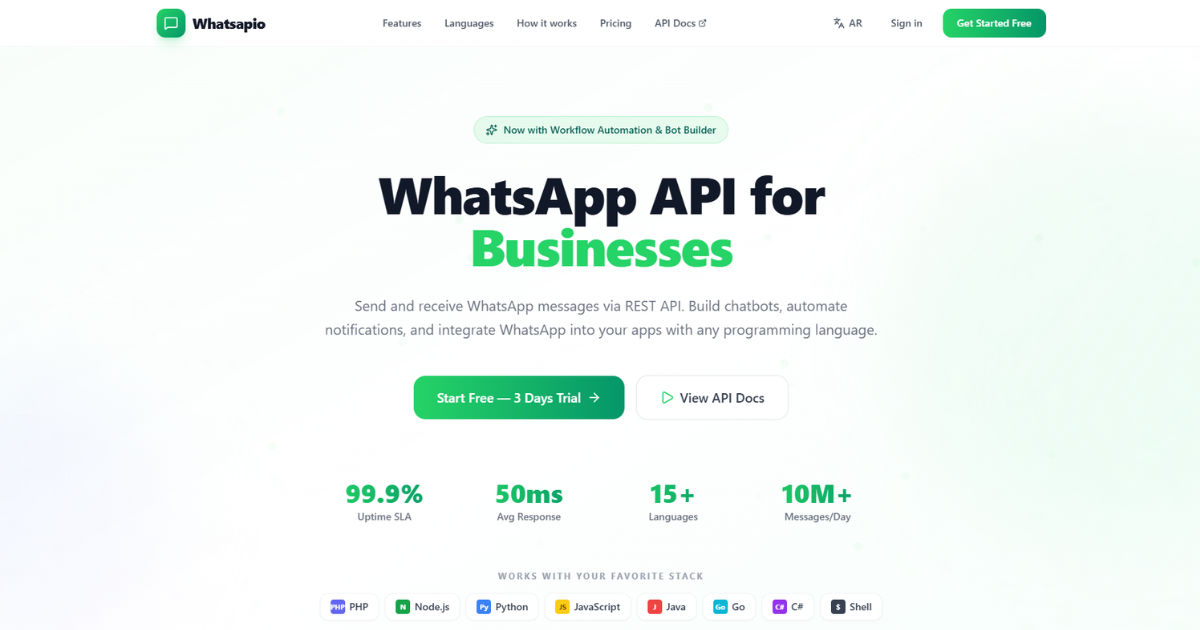 This tool allows businesses to streamline their messaging, provide instant responses, and even manage sales and customer service without needing constant manual input.
In this comprehensive guide, we will explore how WhatsApp automation platforms work, their benefits, setup processes, use cases, and tips for optimizing their performance.
Understanding WhatsApp Automation Tools
A WhatsApp automation tool is software that enables businesses to automate interactions on WhatsApp. Unlike traditional messaging, which requires someone to respond manually, these tools allow messages to be sent automatically based on certain triggers. For example, a business can set up automated replies to common customer questions, reminders for appointments, or notifications for sales promotions.
These tools often integrate with other platforms such as customer relationship management (CRM) systems, e-commerce websites, and marketing platforms. This ensures that businesses can provide personalized experiences while reducing the workload on human agents.
How WhatsApp Automation Platforms Work
To understand how a WhatsApp automation platform works, it's helpful to look at the basic components involved.
1. Integration with WhatsApp Business API
A WhatsApp automation platform typically works by connecting to the WhatsApp Business API. This API allows businesses to send messages at scale while maintaining compliance with WhatsApp’s rules. Once connected, the automation tool can handle messages sent to the business account and respond according to pre-set rules.
2. Creating Automated Workflows
The core of WhatsApp automation is building workflows. Workflows are sequences of actions that the automation tool performs automatically. For instance, a workflow might include:
- Sending a welcome message when a user first contacts the business.
- Providing a menu of options like “Product Inquiry,” “Support,” or “Pricing.”
- Triggering follow-up messages if the user does not respond within a certain time.
These workflows can be simple or highly advanced, depending on the business’s needs.
3. Using Templates for Quick Responses
Most WhatsApp automation platforms allow businesses to use message templates. Templates are pre-approved messages that can be sent automatically. They are particularly useful for repetitive tasks like order confirmations, shipping updates, or customer support notifications.
Using templates ensures that messages are consistent and professional, and they save a lot of time for businesses handling high volumes of messages.
4. Artificial Intelligence and Chatbots
Many modern WhatsApp automation platforms incorporate AI-driven chatbots. These chatbots can understand natural language, answer customer queries, and even suggest products or services. For example, if a customer types “I want to know the price of your product,” the chatbot can automatically provide the correct information without human intervention.
AI-powered automation is particularly useful for handling frequently asked questions and providing 24/7 support.
Setting Up a WhatsApp Automation Tool
Setting up a WhatsApp automation tool is a step-by-step process. While the specifics may vary depending on the platform you choose, the general process is similar.
Step 1: Sign Up for WhatsApp Business API
The first step is to create a WhatsApp Business account and apply for access to the WhatsApp Business API. Approval may take a few days, but it’s essential for automation at scale.
Step 2: Choose an Automation Platform
Once you have API access, select a WhatsApp automation platform. Popular platforms offer features like workflow builders, AI chatbots, analytics, and integration with CRMs. Make sure the platform you choose fits your business needs and budget.
Step 3: Connect Your Business Account
After choosing a platform, link it to your WhatsApp Business account. Most platforms offer clear instructions for connecting via API keys or QR codes.
Step 4: Design Automated Workflows
This is where you define how your business will communicate with customers automatically. Start with simple workflows, such as:
- A welcome message for new contacts.
- FAQ responses for common queries.
- Notifications for orders or appointments.
Over time, you can build more complex workflows that involve AI chatbots and decision trees.
Step 5: Test the System
Before fully deploying, test your automated workflows. Send sample messages, check responses, and ensure the system works correctly. Testing prevents errors and ensures a smooth customer experience.
Step 6: Launch and Monitor
Once tested, you can launch your WhatsApp automation tool. Monitor performance regularly using analytics dashboards, and adjust workflows based on customer interactions.
Key Features of WhatsApp Automation Tools
Understanding the features of these platforms helps businesses choose the right solution.
1. Automated Messaging
Automated messaging is the core feature. It allows you to send:
- Welcome messages
- Order confirmations
- Appointment reminders
- Promotional messages
Automation saves time and improves response speed.
2. Chatbot Integration
AI chatbots can engage customers in natural conversations. They can:
- Answer FAQs
- Suggest products
- Guide users through services
- Capture customer data
This feature improves engagement while reducing the need for human agents.
3. Customer Segmentation
Some tools allow businesses to segment customers based on behavior or demographics. For example, you can send personalized promotions to loyal customers or follow-up messages to those who abandoned a shopping cart.
4. Analytics and Reporting
Analytics help businesses track performance, such as:
- Response rates
- Customer satisfaction
- Conversion rates
- Message delivery success
Monitoring these metrics ensures that your automation strategies are effective.
5. Integration with Other Tools
Many WhatsApp automation tools integrate with CRMs, e-commerce platforms, and marketing tools. Integration allows businesses to centralize customer information and provide personalized experiences.
Benefits of Using WhatsApp Automation Platforms
Implementing a WhatsApp automation tool offers several advantages for businesses.
Faster Customer Support
Automated messages and AI chatbots allow businesses to respond instantly, even outside working hours. This improves customer satisfaction and loyalty.
Cost Savings
Automation reduces the need for large customer support teams, saving money on salaries and training. Businesses can handle more messages with fewer resources.
Increased Engagement
Automated, personalized messages increase engagement. Customers are more likely to interact when messages are timely, relevant, and convenient.
Streamlined Operations
Automation helps businesses manage orders, appointments, and notifications efficiently. It reduces human error and ensures consistency in communication.
Scalability
As your business grows, automation allows you to handle increasing message volumes without scaling your human workforce. This is particularly useful for e-commerce and service-based industries.
Real-Life Use Cases
Here are some practical examples of how businesses use WhatsApp automation platforms:
1. E-Commerce
Online stores use automation to:
- Confirm orders automatically
- Send shipping updates
- Provide product recommendations
- Handle returns and exchanges
2. Service Providers
Businesses such as salons, clinics, and repair services can:
- Schedule appointments
- Send reminders
- Follow up on completed services
3. Marketing Campaigns
Automated messaging can help businesses:
- Launch product promotions
- Send discount codes
- Collect feedback after purchases
4. Customer Support
Businesses can provide 24/7 support using AI chatbots. Simple queries are resolved instantly, while more complex issues are escalated to human agents.
Best Practices for WhatsApp Automation
To get the most out of your WhatsApp automation tool, consider these best practices.
Personalize Messages
Even automated messages should feel personal. Use the customer’s name, refer to previous interactions, and offer relevant suggestions.
Avoid Over-Messaging
Sending too many automated messages can annoy customers. Limit the frequency and ensure content is meaningful.
Keep Messages Clear and Simple
Automated messages should be short, clear, and easy to understand. Avoid complicated language or excessive details.
Monitor and Optimize
Regularly review analytics and customer feedback. Adjust workflows to improve response quality, timing, and customer satisfaction.
Ensure Compliance
Follow WhatsApp’s guidelines to avoid penalties. Only send messages to customers who have opted in, and avoid spammy content.
Challenges of WhatsApp Automation
While automation offers many benefits, it also comes with challenges.
1. Technical Setup
Connecting to WhatsApp Business API and configuring workflows can be complex for beginners. Choosing a user-friendly platform can reduce this challenge.
2. Maintaining Human Touch
Automated messages can feel impersonal. It’s important to balance automation with human interaction for complex queries.
3. Compliance Issues
Non-compliance with WhatsApp rules can lead to account suspension. Businesses must follow opt-in policies and use approved templates.
4. Initial Costs
While automation reduces long-term costs, there can be upfront expenses for software and setup. Businesses should consider ROI before implementation.
Future of WhatsApp Automation
The future of WhatsApp automation looks promising. AI-driven chatbots are becoming smarter, capable of understanding context and sentiment. Businesses can expect more advanced features like predictive analytics, voice integration, and deeper CRM integrations.
Automation will continue to play a critical role in customer communication, helping businesses scale while maintaining quality interactions.
Conclusion
In conclusion, a WhatsApp automation tool is a game-changer for businesses of all sizes. It allows for faster communication, better customer service, cost savings, and increased engagement. By understanding how these platforms work, setting up automated workflows, and following best practices, businesses can provide a seamless experience for their customers.
While there are challenges such as maintaining personalization and compliance, the benefits far outweigh the drawbacks. Automation, combined with human oversight, ensures that businesses can communicate effectively, respond quickly, and grow efficiently in today’s competitive market.
For any business looking to enhance communication, investing in a WhatsApp automation tool is a strategic move that can yield long-term benefits and customer satisfaction.